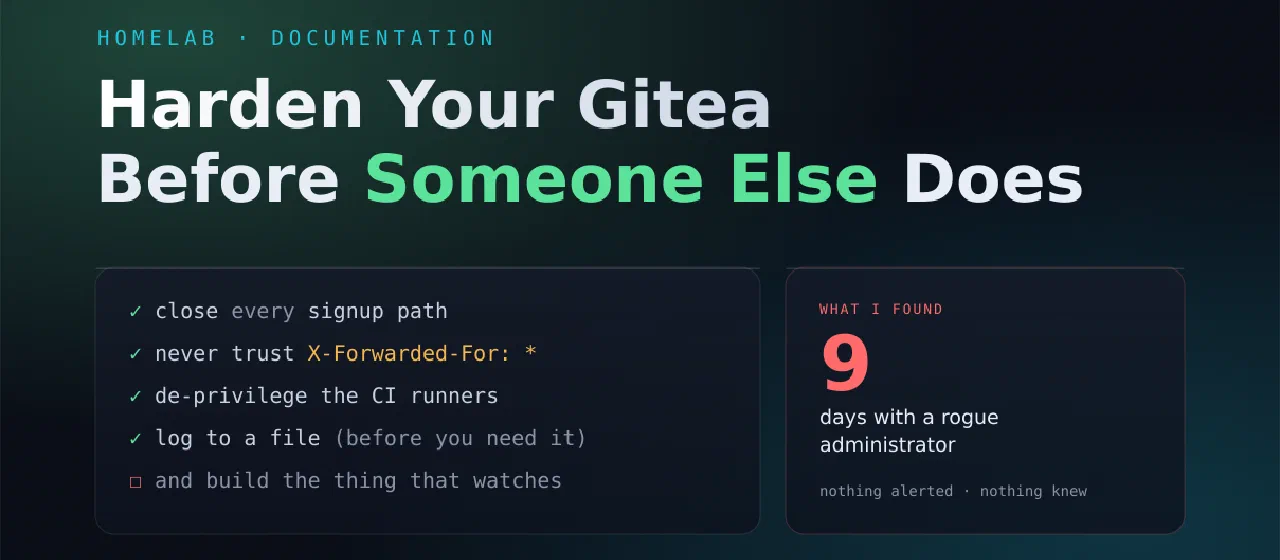
Harden Your Gitea Before Someone Else Does
A practical checklist for self-hosted Gitea — written the week after an attacker walked into mine through a door I thought I'd already closed.
Contents
Overview
Self-hosting Git is one of the most rewarding things you can do in a homelab, right up until you realise the box holds every deploy key, registry token and private repo you own. It isn’t a code host. It’s a credential vault with a build system bolted on.
I learned that properly when someone got into mine, and the uncomfortable part wasn’t the exploit. It was that I’d already “secured” the exact thing they walked through. Months earlier I disabled self-registration after a bot flood. I ticked it off. I felt good about it. And then someone registered anyway, through a different registration route I didn’t know existed.
So this is the checklist I wish I’d had: every item is something that was wrong on a real, actively-used instance, ordered by how much it actually matters. It’s written for Gitea, but most of it transfers to any self-hosted forge.
Back up your config before you touch it, and after every change verify both a clone and a push — a push is the only test that exercises the hook path, and it’s where a broken config shows up first.
1. Close every signup path, not just the obvious one
This is the one that got me, so it goes first.
[service]
DISABLE_REGISTRATION = true

[openid]
ENABLE_OPENID_SIGNIN = false
ENABLE_OPENID_SIGNUP = false
DISABLE_REGISTRATION shuts the signup form. It does not shut OpenID registration — that’s a separate endpoint with its own setting. An attacker can run their own OpenID provider (it’s a handful of lines), point it at your instance, and register an account while your admin panel cheerfully reports that registration is disabled.
If you use real SSO — OIDC/OAuth2 like Pocket ID, Authentik or Keycloak — that’s a different mechanism and it keeps working. The legacy [openid] block is the one to close.
Check it:
curl -s -o /dev/null -w '%{http_code}\n' https://git.example.com/user/login/openid # want 403
And then actually look at your user list. Not the count — the names.
docker exec -u git gitea gitea admin user list
Anything auto-generated (u17572a91, labf_c38163ae, addresses at .invalid) is not a colleague who forgot to fill in their profile.
2. Don’t trust proxy headers from the whole internet
[security]
REVERSE_PROXY_LIMIT = 1
REVERSE_PROXY_TRUSTED_PROXIES = 10.0.0.5/32   # your proxy's IP. Never *
Gitea’s internal endpoints are protected by “only loopback may call these.” Perfectly reasonable — until you tell Gitea to believe the X-Forwarded-For header from anyone. Then a stranger writes X-Forwarded-For: 127.0.0.1 and is loopback, as far as your server is concerned.
A wildcard here is not a small misconfiguration. It’s the difference between an internal API and a public one.
Check it — the spoof must fail:
curl -s -o /dev/null -w '%{http_code}\n' -X POST \
  -H 'X-Forwarded-For: 127.0.0.1' \
  https://git.example.com/api/internal/manager/add-logger    # want 403, never 200
While you’re there, block the internal API at the reverse proxy too. Belt and braces:
location ^~ /api/internal/ { return 404; }
3. Patch. Then patch again.
Boring, and the one people skip.
An authenticated user on my instance reached code execution — an admin account appeared in the database with no corresponding request anywhere in the logs, during a burst of calls to a patch-applying API endpoint. An account that appears without an API call is an account created by something running on the machine.
Combine that with step 1 being open — anyone could become an authenticated user — and the whole chain is: sign up, get a token, run code. Patching removes the second half. Closing signup removes the first. Do both; neither is sufficient alone.
docker exec gitea gitea --version # then go read the release notes and CVEs for it
4. Treat your runners like production servers
Look at how your CI runners are configured. Mine, like most people’s:
privileged: true
volumes:
  - /var/run/docker.sock:/var/run/docker.sock
That’s the standard recipe for “my CI needs to build Docker images,” and it means any job that runs on that runner is root on the host. Mount the host filesystem, read every repo, dump the database, take every secret.
Now ask the follow-up question: what can cause a job to run? If you have public repositories with Actions enabled, the answer may include “a pull request from a stranger.”
Two things to do tonight:
- Turn Actions off on repos that don’t build anything. I found seven public repos with Actions enabled and not a single workflow file in them — pure attack surface, zero benefit.
- Require approval for fork pull requests, and confirm none have ever run unapproved. In Gitea that’s visible in the database (
action_run.need_approval); on any forge, know the answer rather than assuming it.
Then, properly: drop privileged, or put a restricted docker-socket proxy in front of the socket so a job can build an image without owning the machine.
5. Log to a file, before you need it
[log]
MODE = console,file
LEVEL = info

[log.file]
FILE_NAME = gitea.log
DAILY_ROTATE = true
MAX_DAYS = 90
COMPRESS = true
Default console-only logging means your logs live and die with the container. Mine did. The first thing I did when clones broke was restart the service — which fixed the symptom and destroyed the record of who caused it. I only reconstructed the intrusion later by restoring a backup onto an isolated machine and reading its logs.
Log to disk, on a mounted volume, with real retention. Then ship it somewhere the machine’s owner can’t quietly edit.
6. Give fail2ban something to work with
Once you have a log file, you can act on it. My instance was taking 4,281 SSH authentication failures a day with nothing counting them.
[DEFAULT]
# Do this FIRST. Never ban yourself or your reverse proxy.
ignoreip  = 127.0.0.1/8 ::1 192.168.0.0/16 10.0.0.0/8 172.16.0.0/12
banaction = nftables-multiport

[sshd]
enabled  = true
logpath  = /var/log/auth.log
maxretry = 4
bantime  = 24h

[gitea]
enabled  = true
filter   = gitea
port     = http,https,3000
logpath  = /path/to/gitea.log
maxretry = 5
Three things I got wrong so you don’t have to:
- Write your jail config before starting the service. Enable it first and it comes up on the stock config and ignores yours.
- Only one
<HOST>per failregex line. It expands to a named capture group; use it twice in one expression and fail2ban refuses to start with a regex error. - Verify the jails actually loaded.
systemctl is-activesaidactivewhile zero of my jails existed. A running fail2ban with no jails is theatre — and a dead fail2ban is worse than none, because it fails silently.
fail2ban-client status && fail2ban-client status sshd
7. Admin accounts
- Don’t have an account called
admin. It’s the one username every scanner tries. Rename it; if it owns no repos or keys, the rename costs nothing. - 2FA on every admin, and store the recovery key offline — it’s shown exactly once.
- Humans should log in through SSO, so MFA is enforced at the identity provider and you have one place to revoke access.
- Keep one local break-glass admin with 2FA, so an SSO outage doesn’t lock you out of your own server.
- Audit the list periodically. Not the number of users — the admin flags.
8. Assume-breach rotation (when it’s already happened)
If you’re reading this after an incident rather than before one: encrypted-at-rest secrets are not safe from someone who ran code on the box. Gitea encrypts Actions secrets in the database with a key stored in app.ini — on the same machine. Read both, decrypt everything.
Rotate in this order:
SECRET_KEYandJWT_SECRET— note that rotatingSECRET_KEYinvalidates every stored Actions secret, which forces step 2 anyway- Every Actions secret, with new values
- Your deploy key: new keypair, update
authorized_keyson the targets, revoke the old one - Registry tokens, API tokens, all personal access tokens
- Application-level: OIDC client secrets, database passwords
INTERNAL_TOKEN is the freebie — it’s independent of SECRET_KEY, so you can rotate it in a minute without invalidating anything. Just verify a push afterwards, not only a clone: the hooks are what authenticate with it, and a wrong token breaks pushes while the web UI keeps looking perfectly healthy.
9. Then build the thing that watches
Every item above is a door I closed. None of them would have told me the doors were open.
The intrusion I’m describing sat on my server for nine days with an administrator account nobody used, and the only reason I ever found out is that the attacker’s exploit was broken and took my CI down with it. If it had worked, it would have been silent, and I’d still be running a compromised server today, feeling fine about it.
So the last item isn’t a config key. It’s a habit, or better, a job that runs without you:
- alert when an account is created
- alert when someone becomes an admin
- alert when a hook file or the git user’s
.gitconfigchanges - alert when a security setting changes
- alert when fail2ban stops running
- re-check from the outside that the doors you closed are still closed
That list is short, cheap, and every single line of it maps to something that actually happened to me and went unnoticed.
Harden the server, by all means. But assume you’ll miss something — and make sure the miss doesn’t get to be quiet for nine days.