snapshoot: The Backup That Proves Itself
I built a ZFS snapshot monitor in one night — push-only agents, no open ports, and restore drills that prove the backups can actually be restored. Its first alert was a real catch.
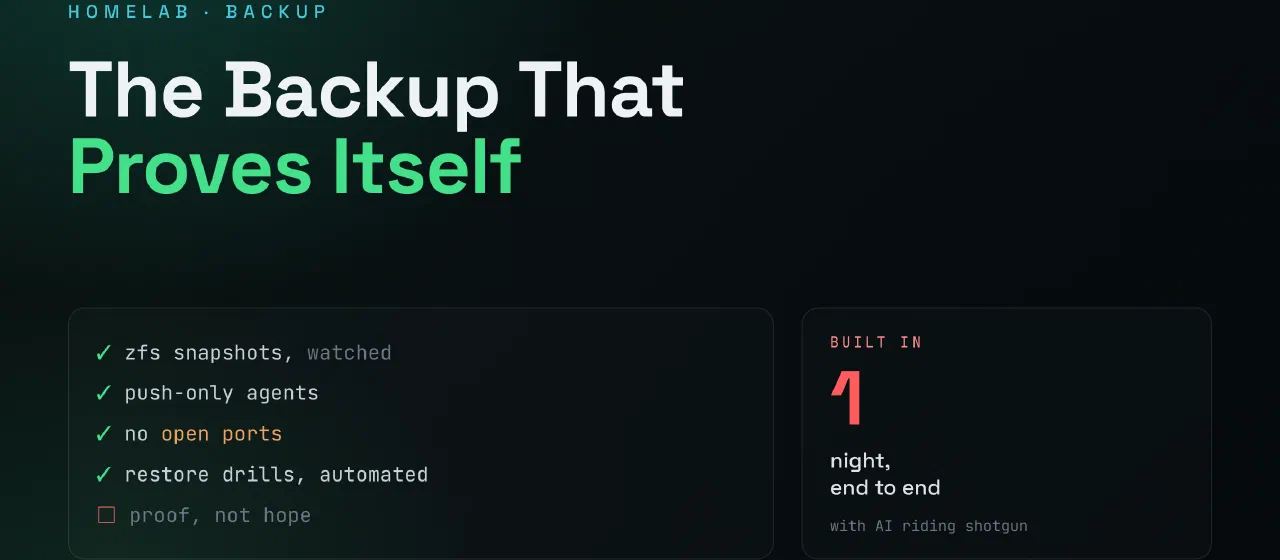
A hope with a filename
I’ve been writing a series about things that didn’t happen — the CVEs you didn’t write, the dependencies you didn’t add, the ports I didn’t open. Sitting in my drafts was the fourth one, about the backups you didn’t test. Its thesis: a backup you’ve never restored is not a backup — it’s a hope with a filename.
My own setup was exactly that. ZFS snapshots every hour on the server, replication to a NAS at home every night — and two silent failure modes I knew about and monitored with nothing but optimism. If the snapshot cron died, the replication would keep reporting FINISHED while copying nothing new. And the restore? Never tested. Not once.
Last night I stopped hoping and built snapshoot.
Push-only, again
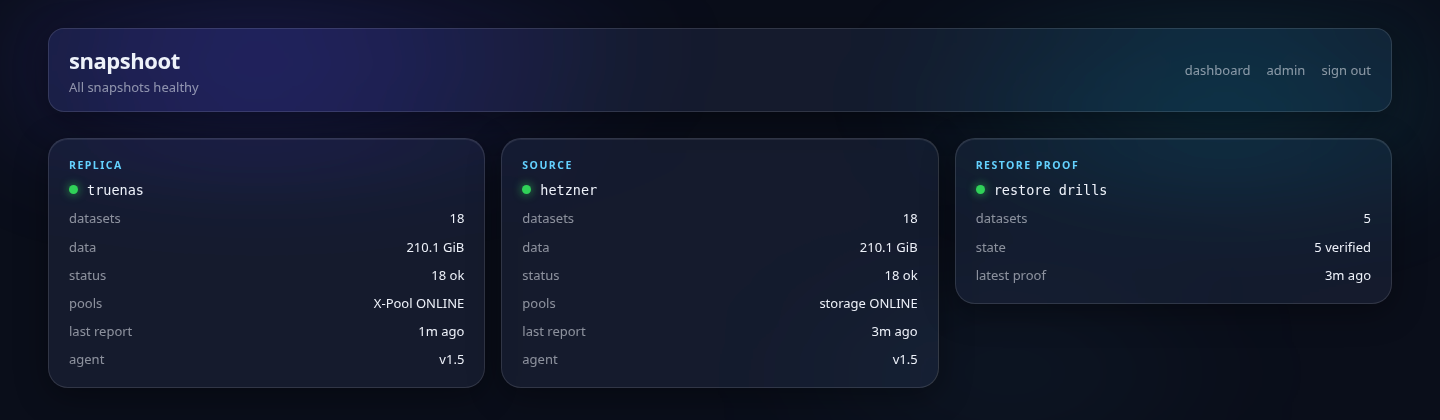
The architecture is the same one I keep coming back to: nothing opens a port. One small Python agent — standard library only, same file on every host — reads local ZFS state and POSTs it to the app over HTTPS every fifteen minutes. The server in Helsinki reports its snapshots; the NAS at home reports what actually arrived. The app never reaches into anything.
That last part has a nice consequence: the app can’t ask an agent to do something, so instructions ride in the response to each report. When the app wants a restore drill run, it says so in the reply; the agent executes locally and delivers the result with its next report. Data pushes up, orders ride down, and my home network stays exactly as closed as it was.
From the two report streams the app computes what actually matters: is the newest snapshot fresh? Is the replica keeping up, or has it silently stopped receiving while claiming success — the exact trap my old setup couldn’t see? Is the pool healthy? Has an agent gone quiet?
The part that makes it different: proof
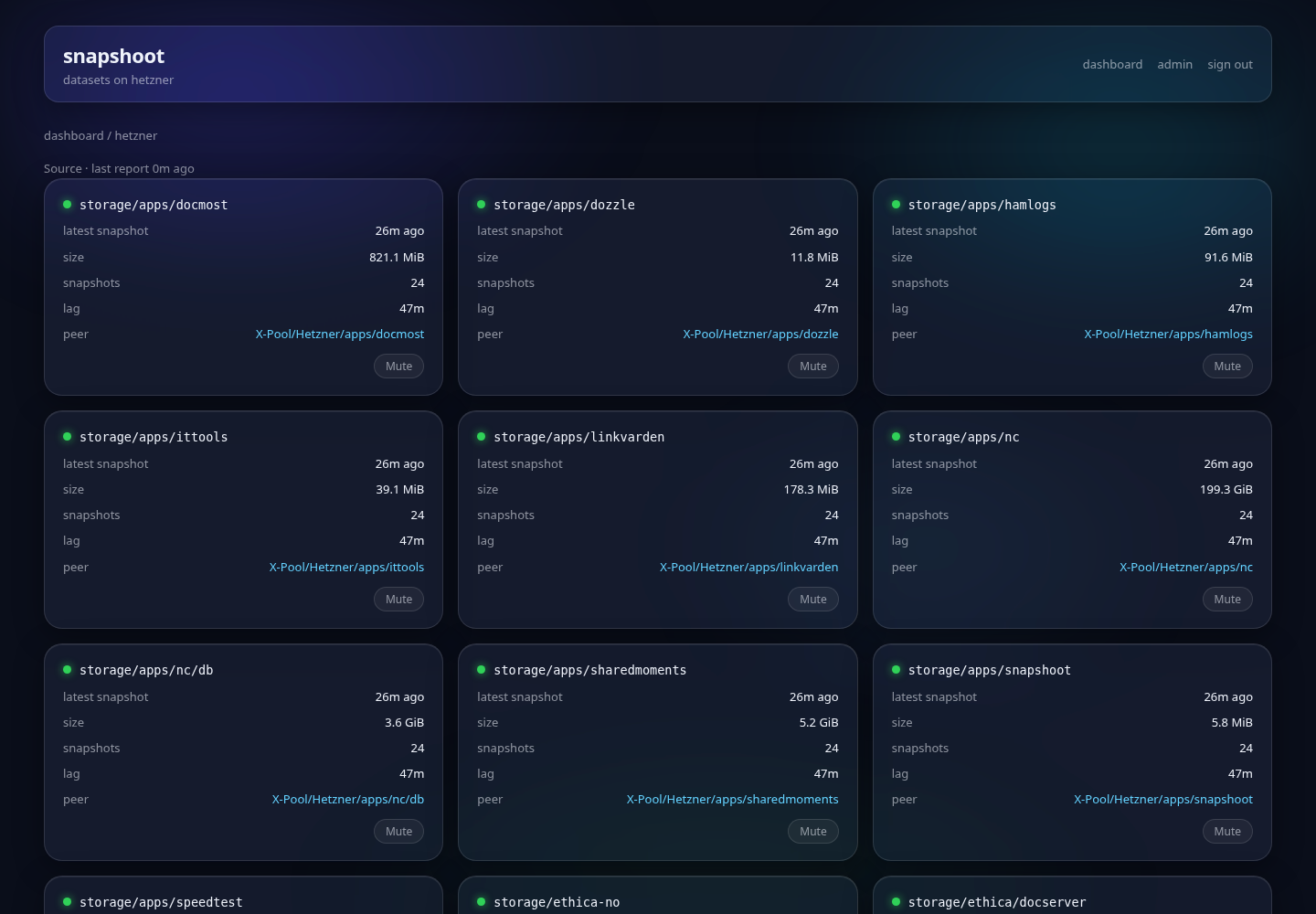
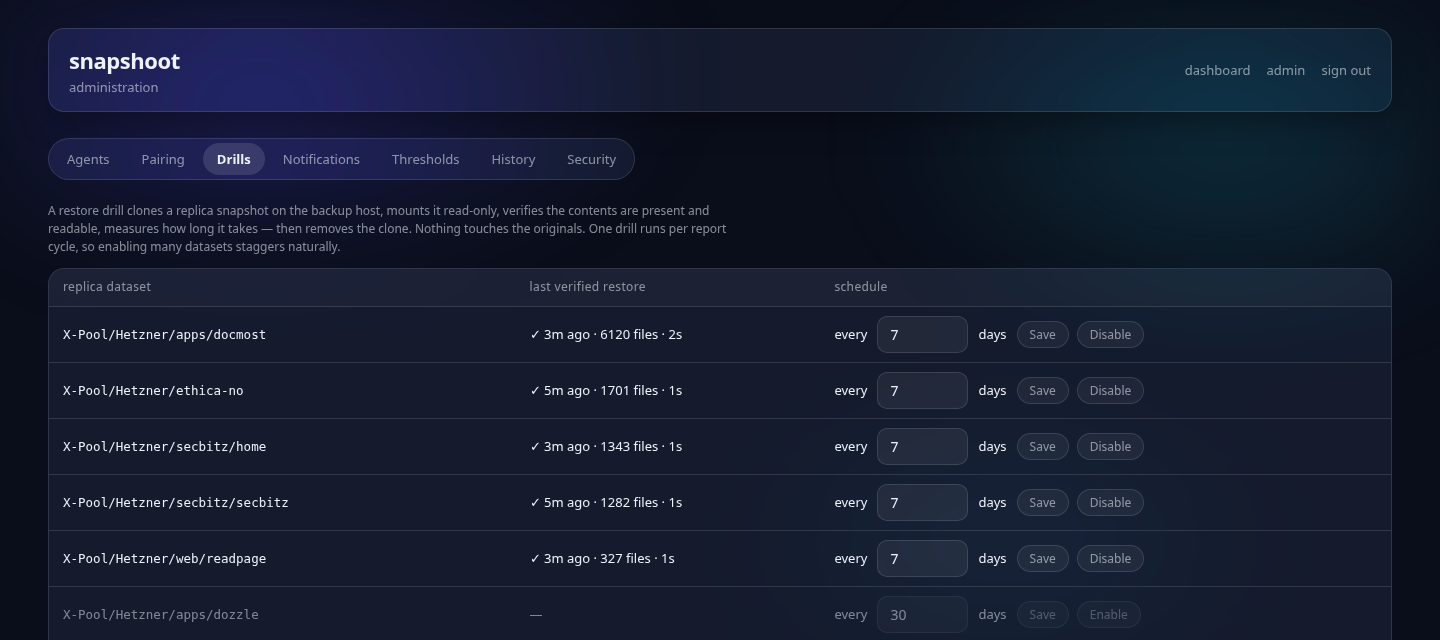
Monitoring that snapshots exist still doesn’t tell you they can be restored. So snapshoot runs restore drills: on the backup host, it clones a replica snapshot (instant and free — copy-on-write), mounts it read-only, counts every file, reads a sample end-to-end, measures the time — and destroys the clone. Nothing touches the originals. My production data proves itself restorable in 0.9 seconds: 1 701 files, 89 MiB, mounted, read, verified, gone.
Each dataset gets a “last verified restore” timestamp, and the dashboard’s proof card goes yellow when evidence gets old and red when a drill fails. The question every backup system dodges — when did you last see this actually restore? — is now answered on the front page, continuously.
The first alert was real
Here’s my favorite part. The very first drill failed — “no files in clone” on my most important dataset, red card, phone buzzing, the works. Twenty minutes of systematic debugging later (three agent versions, each adding sharper diagnostics), the root cause surfaced: TrueNAS imports its pools with an altroot, so the mountpoint I told ZFS to use wasn’t the path where the clone actually landed. The agent was verifying an empty directory. The fix: stop guessing — ask ZFS where it mounted the clone, and go there.
The backup was fine all along. But I didn’t know that until a machine tried to restore it and showed me the receipt. That’s the entire thesis of the unwritten draft, demonstrated by the tool that came out of it — and the alert pipeline got a live-fire test on night one.
Since then it has kept catching things I didn’t ask it to: when I moved 200 GB of Nextcloud data into new ZFS datasets mid-evening, the new datasets appeared on the dashboard within fifteen minutes — flagged yellow, correctly, as “no snapshots yet.”
Agents that update themselves
During the altroot debugging I shipped three agent versions in twenty minutes — and every one of them meant logging into two hosts and re-downloading a script. That gets old after exactly one round, and it’s how monitoring fleets rot: the server side evolves, the agents drift behind, and one day an alert doesn’t fire because some box is running last year’s code.
So the agents update themselves, using the channel that already exists. The app bundles its own agent script and advertises the version in every report response. When an agent sees it’s behind, it downloads the new script over the same authenticated API, checks that the code actually compiles, and only then swaps itself atomically — active from the next cron run. If anything about the download looks wrong, it keeps running the old version and says so. Now a fix ships like everything else here: push to main, CI bakes the image, and within fifteen minutes every host is current — no logins, nothing to remember.
And because trust needs visibility: each host card on the dashboard shows the agent version it last reported with — and flips to update pending the moment it falls behind. Fleet drift isn’t a thing you audit; it’s a thing the front page shows you.
It’s not theoretical, either. I shipped three agent versions during this one night — richer diagnostics, pool health, capacity reporting — and every time, both hosts converged on the new version within a single cron cycle, on their own. The last manual agent update I will ever do happened yesterday.
The pools underneath
Snapshots are only as trustworthy as the disks they live on, so the dashboard also carries one card per zpool: health, capacity, fragmentation, the last scrub result, and the data-error count. A scrub that found errors turns the pool red — and every dataset on it with it, because data on a sick pool is data at risk. Click the card and you get the full zpool status topology: the mirror layout, every device, and its read/write/checksum counters. The question “how are the disks, actually?” went from an SSH session to a tap.
On the phone, with push
An alert that only lives on a dashboard is an alert you find out about tomorrow. So snapshoot is also an installable web app: open it in Safari, Add to Home Screen, and it runs fullscreen with its own icon like any native app — same server-rendered pages, just with mobile layout kicking in below tablet width. No app store, no separate codebase.
The part that matters is push. Status changes and drill results arrive as real notifications via Web Push (VAPID) — the same engine that feeds Discord, so phone and channel always agree. iOS only grants push to installed web apps, which is exactly the setup here: enable it with one button under Notifications, and the red cards find you wherever you are. Last night’s failing drill reached my pocket before I’d switched back to the terminal.
The boring specifics
Python standard library, SQLite, one container, server-rendered HTML — no frameworks, no build step, no dependencies I didn’t add. The whole thing deploys through CI, where a simulator drives every failure mode — stale source, silent replication, degraded pool, failed drill — against the real container image before anything ships.
Built in one night, spec first, with AI doing a serious share of the typing — the same way as everything else on this domain.
The draft about untested backups is still in my drafts folder. It finally has its ending: the backups are tested now — every week, by a machine, with receipts.
When did your backups last prove they could be restored — not that the job ran, but that the data came back and opened? If the answer is “never”, you know exactly how that feels from the inside. You know where to find me.