What I Run at Home#
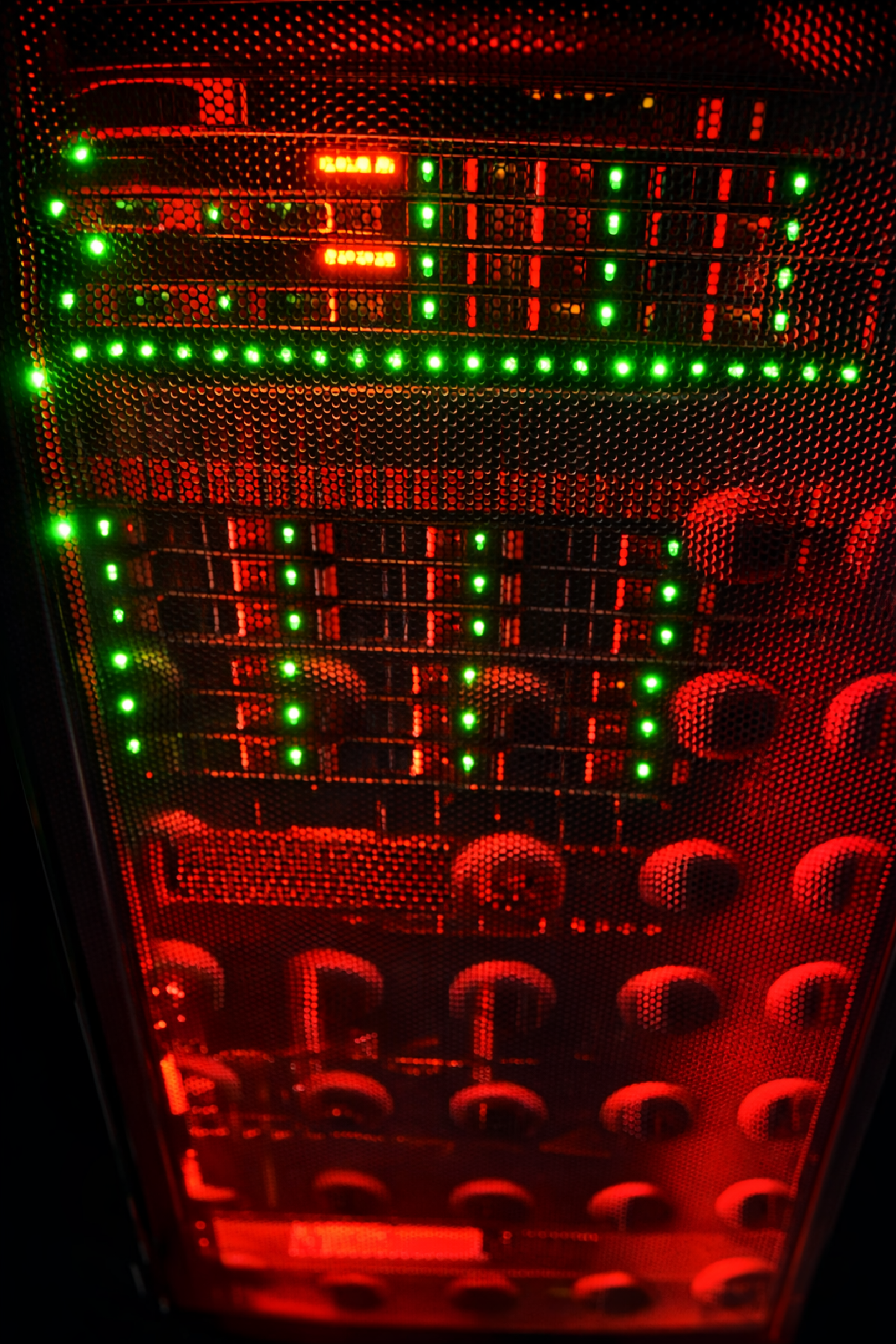
This is a short (and slightly chaotic) overview of what I’m currently running at home. Not a guide, not a best-practice reference — just a snapshot of the lab as it exists right now.
Most of the server hardware and the rack itself have been collected over time, free of charge, from companies doing hardware refreshes. It’s a mix of “too good to throw away” and “still very capable”.
Proxmox – Compute Nodes#
The core of the setup is a small Proxmox cluster made up of three identical nodes. They live together in the rack at home and form the backbone of everything else.
The hardware is absolutely overkill for a home setup, but that’s kind of the point.
Each node:
- 48 vCPUs (2 × Intel Xeon E5-2687W v4)
- ~63 GB RAM
- ~900 GB local disk
- CPU usage usually sits very low (a few percent)
- RAM usage is higher, but predictable
- Low IO delay and stable load averages
These nodes run most things: virtual machines, containers, experiments, and services that are allowed to exist until they either graduate… or get deleted.
KSM is enabled and sharing several gigabytes of memory, which helps when multiple VMs are running across the cluster.
Proxmox Backup Server#
Backups are not optional — even in a homelab.
For that, I run a dedicated Proxmox Backup Server called pbsmini. The hardware here is much more modest, but it does exactly what it’s supposed to do.
- 4 vCPUs (Xeon E3-1225 v3)
- ~27 GB RAM
- Root disk barely used
- Backup datastore just under 2 TB
Datastore status:
- Used: ~386 GB
- Available: ~1.5 TB
- Deduplication factor: ~89
That deduplication ratio alone makes the setup worth it.
The server was rebooted recently, but otherwise it’s stable, boring, and reliable — which is exactly what a backup server should be.
Networking – UniFi#
All networking at home is managed using UniFi, hosted on a UDM SE (Dream Machine Special Edition).
It acts as:
- Gateway
- Switch controller
- WiFi controller
The network is split into multiple VLANs:
- Default
- Lab
- iDRAC
WiFi runs on both 5 GHz and 6 GHz, with conservative defaults. Access points are placed where they make sense operationally, not where they look best.
Everything is managed through the local UniFi OS console.
Philosophy#
This setup isn’t built for maximum performance or YouTube aesthetics. It’s built for:
- learning
- stability
- experimentation
- and a mild need for control
Some things are over-engineered. Some things are under-documented. Everything is subject to change.
And yes — some things get yeeted straight into production.
This is the current state of the lab. The next post will probably be about automation, Bash, or something that broke.
As usual.