The VM That Kept Corrupting Itself
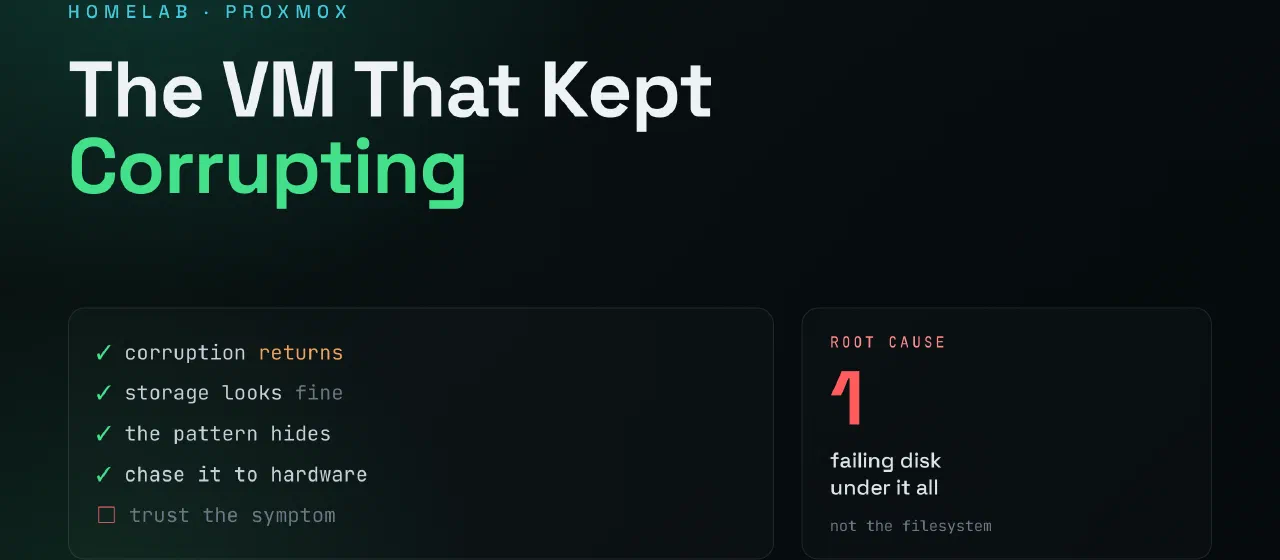
A recurring filesystem corruption issue in my Proxmox cluster that may have led me to a hardware problem.
Contents
The Problem
A few weeks ago one of my VMs started behaving strangely.
The VM would occasionally fail to boot and drop directly into an initramfs shell. Running a filesystem repair would bring it back online, and everything would appear normal again.
For a while I assumed it was a one-time issue.
It wasn’t.
The Pattern
The same VM continued to experience filesystem corruption.
Each time the symptoms looked similar:
- VM failed to boot
- Filesystem inconsistencies detected
fsckrepaired the issue- System returned to normal
Then days or weeks later, it happened again.
What made the issue frustrating was that the repair always worked.
The corruption was real, but the root cause remained hidden.
Initial Theories
My first suspicion was backup operations.
The timing seemed suspicious. A failed backup had occurred shortly before one of the incidents.
I also considered:
- Proxmox updates
- Storage configuration issues
- VM configuration problems
- Guest operating system bugs
None of these theories produced convincing evidence.
Looking at the Host
Eventually I stopped focusing on the VM itself.
The question changed from:
Why is this filesystem becoming corrupted? to:
What is causing the corruption underneath the filesystem?
That shifted my attention toward the Proxmox host.
Possible causes include:
- Failing SSD storage
- Memory errors
- Controller issues
- Unexpected write interruptions
- Other hardware instability
At this point I don’t have enough evidence to prove any of them.
Current Status
The VM is operational.
The filesystem repairs continue to succeed.
However, I still don’t consider the issue resolved.
Until I can explain why the corruption occurs, I assume the underlying problem remains.
My next steps are:
- Reviewing host logs
- Running storage diagnostics
- Checking SMART data
- Testing memory
- Moving the VM to another node to see whether the problem follows the VM or remains with the host
Lessons Learned
One thing I enjoy about running a homelab is that not every problem has an immediate answer.
Sometimes the challenge isn’t fixing an issue.
Sometimes the challenge is proving what actually caused it.
For now, the filesystem can be repaired.
The mystery remains.