Why I Built My Own Documentation Portal
How a growing homelab turned a collection of markdown files into a searchable, authenticated documentation portal.
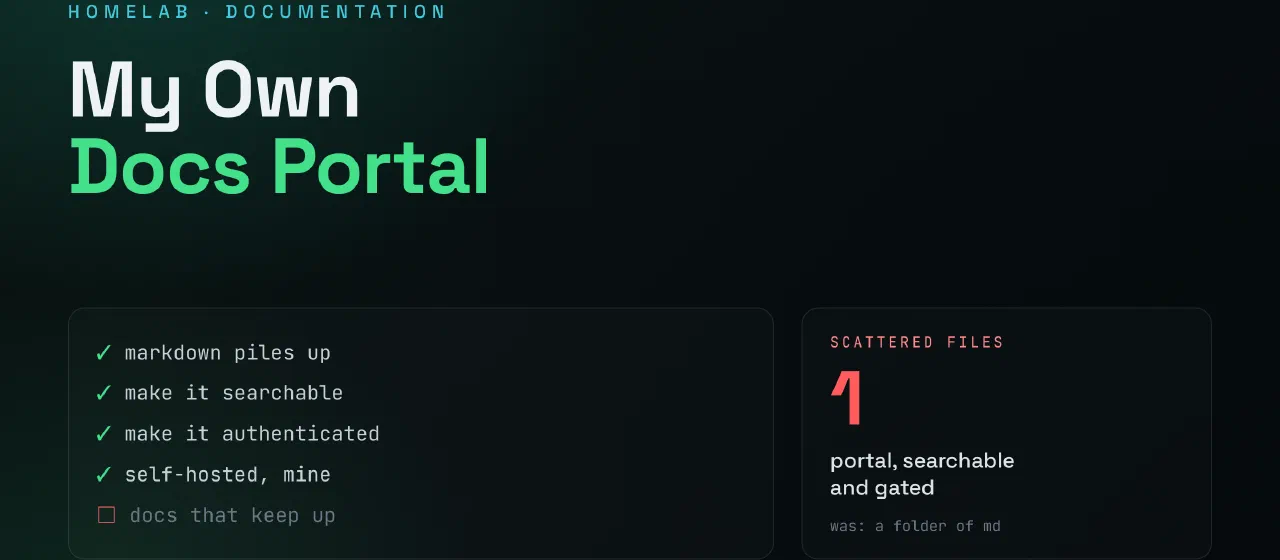
Contents
Overview
For years I documented everything in Git.
Every VM deployment, network change, Docker stack, troubleshooting guide, backup procedure, and configuration note ended up as another markdown file somewhere in a repository.
At first it worked well.
Then the homelab grew.
What started as a handful of notes became dozens of folders and hundreds of pages of documentation.
The documentation itself was fine.
Finding anything quickly was becoming the problem.
The Problem
Git is excellent at version control.
It is not a documentation portal.
When I needed information, I often found myself doing things like:
grep -R nextcloud .
or
find . -name "*.md"
or manually browsing folders trying to remember where I had written something months earlier.
The information existed.
Accessing it efficiently did not.
As the amount of documentation increased, I found myself spending more time searching for information than writing it.
What I Wanted
I started looking at documentation platforms and wikis.
There are many good options available:
- Wiki.js
- BookStack
- Confluence
- MediaWiki
The problem wasn’t that those tools were bad.
The problem was that my documentation already lived in Git.
I didn’t want another editing platform.
I didn’t want another database.
I didn’t want another application to maintain.
I wanted Git to remain the source of truth.
My requirements were simple:
- Documentation stored as Markdown
- Git-based workflow
- Fast navigation
- Searchable content
- Authentication
- Lightweight deployment
- Easy backup
- Minimal dependencies
The Solution
The final solution turned out to be surprisingly simple.
Homelab-Doc (Git)
        ↓
      Hugo
        ↓
 Static Site
        ↓
   Readpage
        ↓
      Nginx
        ↓
   doc.skui.io
The documentation itself remains in a Git repository.
Hugo generates a static website from the markdown files.
A lightweight Python application sits in front of the generated content and handles authentication.
Nginx acts as the reverse proxy and TLS endpoint.
The result is a documentation portal that feels like a wiki while keeping Git as the single source of truth.
Why Not Just Use Git?
Because documentation and version control solve different problems.
Git answers:
- What changed?
- Who changed it?
- When did it change?
Documentation portals answer:
- How do I do this?
- Where is that information?
- What was the procedure again?
Those are different questions.
The portal doesn’t replace Git.
It makes the contents of Git easier to consume.
Authentication
One requirement was that not everything should be publicly accessible.
Some documentation contains infrastructure details, internal procedures, architecture notes, and operational information that I simply don’t want indexed by search engines or accessible without authentication.
The solution is intentionally simple.
Users authenticate before accessing the documentation.
The application serves Hugo’s generated static content only after successful login.
Because the content is generated statically, there is very little attack surface compared to a traditional CMS.
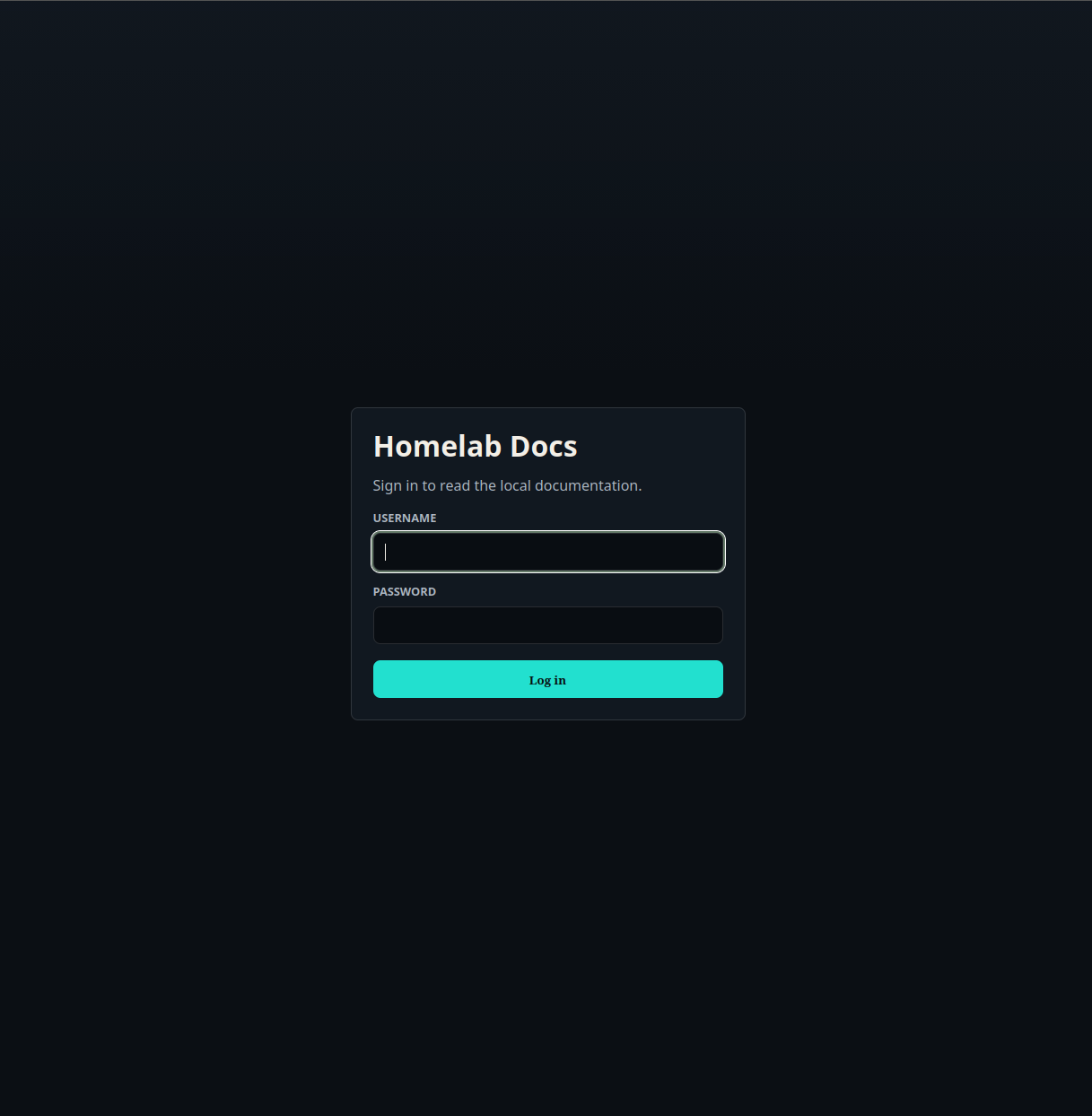 Authentication is intentionally simple. The portal sits in front of the generated Hugo content and restricts access to authenticated users.
The Result
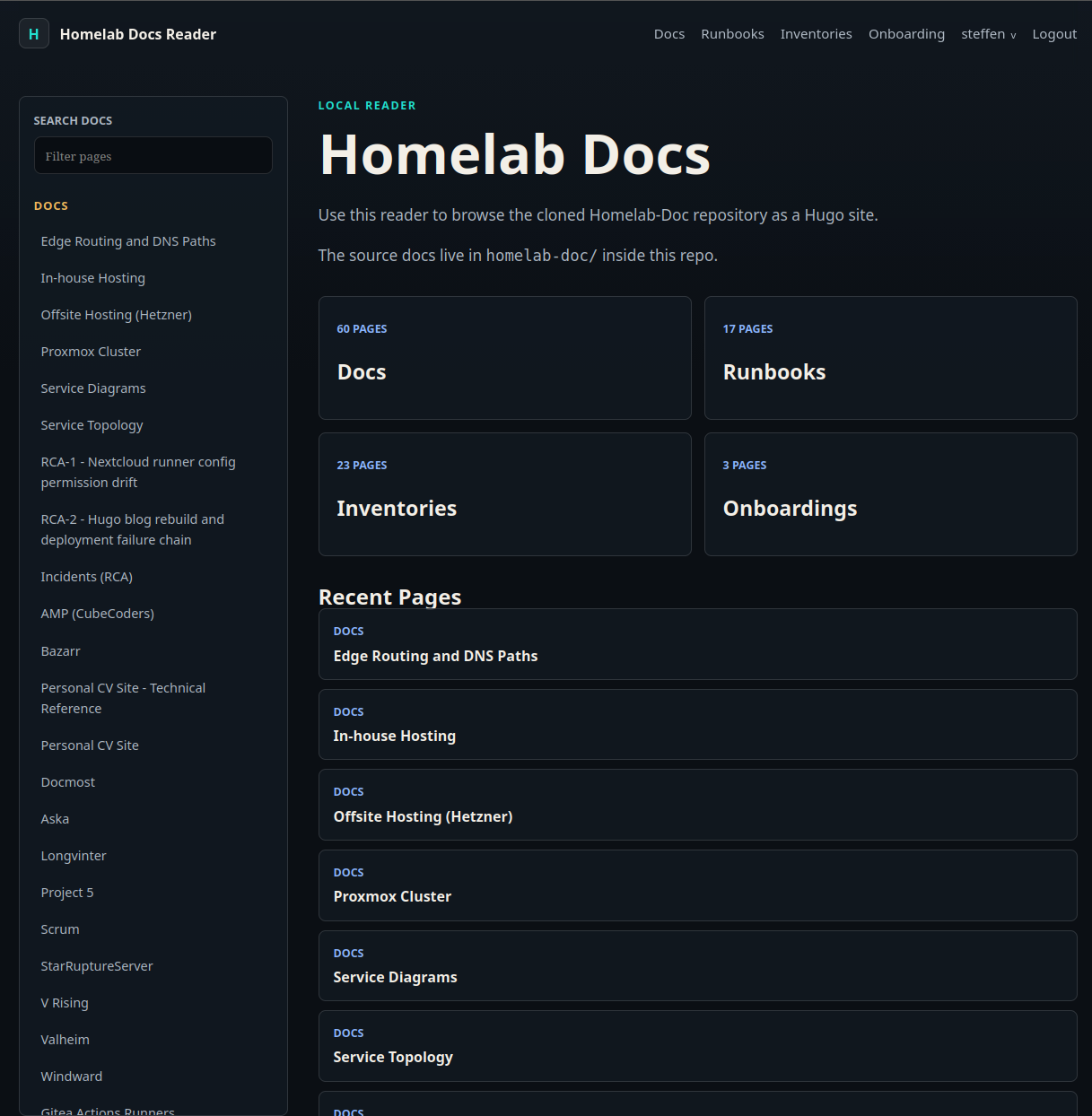
After authentication, the documentation becomes searchable and easy to navigate. Runbooks, inventories, onboarding guides and architecture documents are available through a single interface while Git remains the source of truth behind the scenes.
Why Hugo?
I have used Hugo for several projects already.
It is fast.
It works well with markdown.
It produces static output.
It integrates naturally with Git.
Most importantly, it stays out of the way.
The documentation remains plain markdown files that can be edited using any editor.
Deployment
The deployment process is fully automated.
When changes are pushed:
- Documentation is updated in Git.
- Hugo builds the static site.
- A Docker image is created.
- The image is pushed to the registry.
- The deployment server pulls and starts the updated container.
The entire process happens through CI/CD without any manual intervention.
What Comes Next
This project also fits into a larger idea I have been working on called NOAH (Network Operations & Automation Hub).
The long-term goal is to make documentation not only readable by humans, but also consumable by automation and AI-assisted tools.
The documentation repository already contains structured information.
Today Hugo provides the human interface.
Tomorrow it may also provide knowledge to automation systems.
Final Thoughts
Building a documentation portal was never the original goal.
The goal was simply to make my existing documentation easier to use.
What started as a collection of markdown files in a Git repository has evolved into something much more practical:
A searchable, authenticated, self-hosted knowledge base built entirely around the tools I already use.
And most importantly:
Git remains the source of truth.
One thing I did not expect was just how little overhead the solution would add.
The entire application consists of a small Python authentication layer, SQLite, and the static files generated by Hugo. There are no external Python dependencies, no additional database services, and no complex application stack running behind the scenes.
The resulting container image is only around 22 MB and typically uses about 25 MB of memory in production.
In a world where many self-hosted applications require multiple containers, databases, caches, and hundreds of megabytes of memory before serving their first page, there is something satisfying about a solution that remains small enough to understand completely.
If something breaks, I know exactly where to look.
If I need to change something, I know exactly how it works.
For a documentation platform, that’s exactly what I wanted.